
Computer Training (Essentials)
Confident digital literacy for school, work and everyday life.
Overview
The perfect starting point if you are new to computers or want to work faster and more confidently. You learn to use a computer, the internet, email and the core office tools, plus online safety and how to use AI assistants wisely.
You will learn
- Use Windows, files, folders and settings with confidence
- Type accurately and work efficiently
- Create professional documents, spreadsheets and presentations
- Use the internet, email, video calls and cloud storage
- Protect yourself online and spot common scams
- Use AI assistants for learning and everyday productivity
Adult programme at a glance
- 1Getting Started
- 2Word Processing
- 3Spreadsheets
- 4Presentations
- 5Internet, Email & Cloud
- 6Online Safety
- 7AI & Productivity
- 8Troubleshooting & Final Project
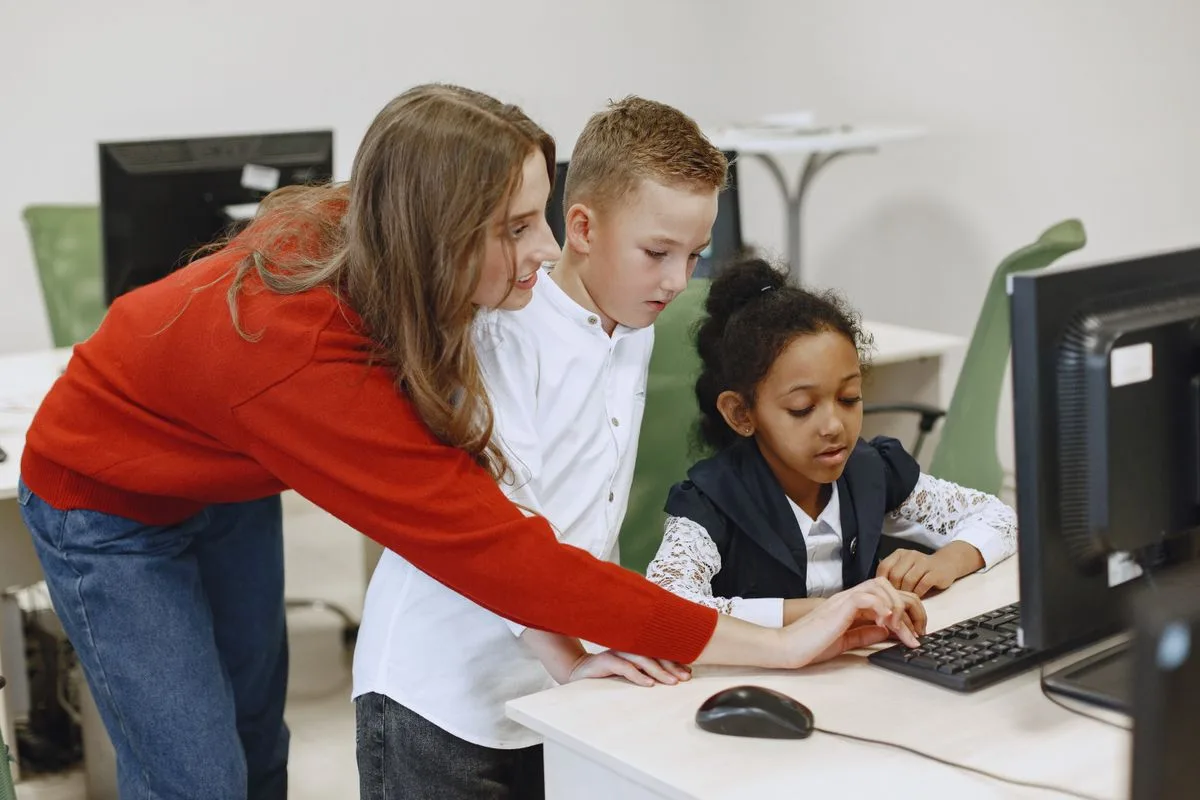
Kids and teens programme arc
Hello, Computer › Files & Folders › Typing Power › Word Documents › Spreadsheets › Presentations › Internet Skills › Online Safety › Creative Tools › AI Helper › Project Build › Showcase Day
Kids: Gentle, game-based and fun: typing, drawing, school projects and online safety.
Teens: Practical office skills, research skills and digital safety for school, exam prep and first jobs.
Tools you'll use
Your path
- → Office and admin assistant
- → Data entry and records officer
- → Digital-ready student
Your instructors

Doosu Bere
Lead instructor
Student reviews
Reviews from our students will appear here.
More courses
Computer Training (Advanced)
Understand how computers really work and write your first programs.
Cybersecurity
Learn to defend people, data and systems from real-world attacks.
Project Management
Plan, lead and deliver projects on time, on budget and with confidence.
Product Management & UI/UX Design
Design products people love, and learn to lead them from idea to launch.