
Video Animation & Graphics Design (with AI)
Design, animate and edit scroll-stopping content with creative software and AI.
Overview
A fast, intensive month for creators, entrepreneurs and future designers. You learn graphic design principles, social media and brand graphics, video editing and motion graphics, then use AI tools to speed up ideas, visuals and edits without losing your own creative voice.
You will learn
- Apply design principles: layout, colour, typography and hierarchy
- Create logos, flyers, social posts and brand kits
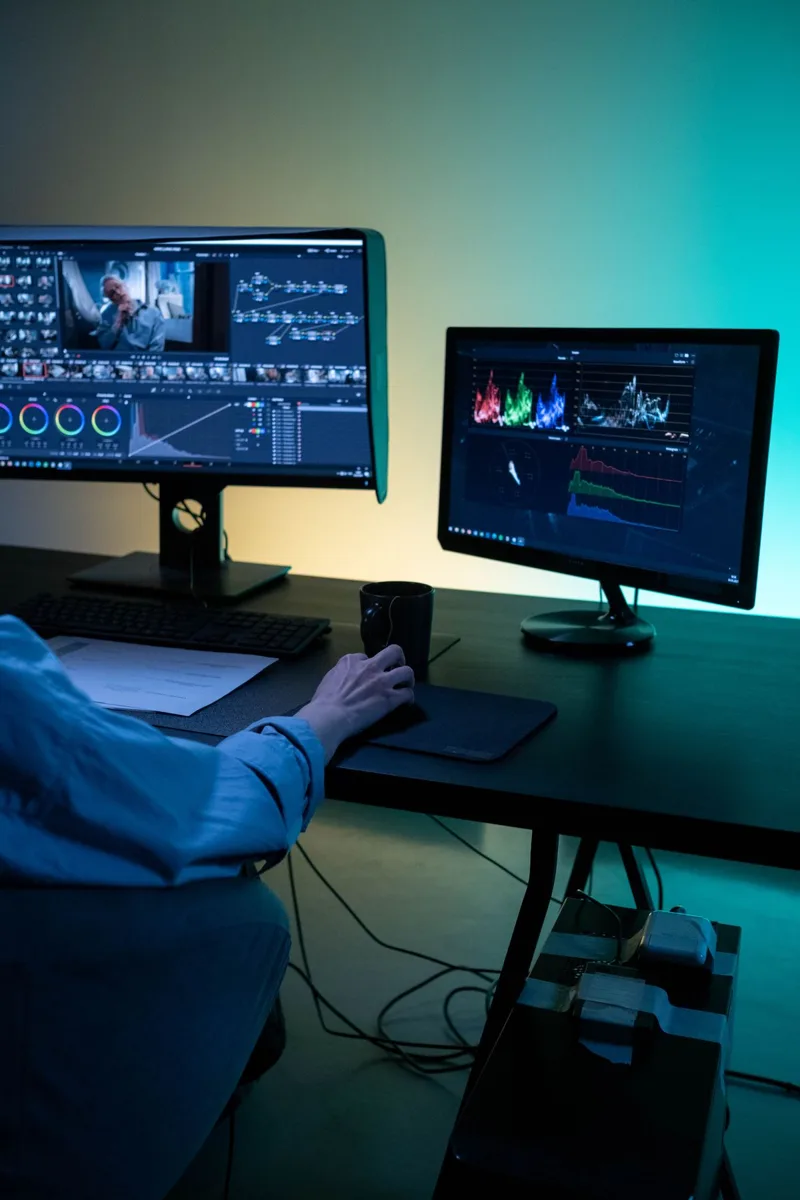
- Edit videos with cuts, captions, sound and colour
- Create 2D motion graphics and short animations
- Use AI tools for ideas, images and editing support, with ethics and copyright awareness
- Publish a content portfolio and short showreel
Adult programme at a glance
- 1Design Foundations
- 2Social & Marketing Graphics
- 3Video Editing
- 4Motion & Animation
Kids and teens programme arc
Design Basics › Graphics Fun › Video Editing › Animation & Showcase
Kids: A creative month of posters, stickers and short animations, using kid-safe tools and a family showcase.
Teens: A portfolio-focused month: brand kits, edited videos and animation, with an eye to side income.
Tools you'll use
Your path
- → Graphic designer
- → Video editor
- → Motion graphics artist
Your instructors

Doosu Bere
Lead instructor
Student reviews
Reviews from our students will appear here.
More courses
Computer Training (Advanced)
Understand how computers really work and write your first programs.
Cybersecurity
Learn to defend people, data and systems from real-world attacks.
Project Management
Plan, lead and deliver projects on time, on budget and with confidence.
Product Management & UI/UX Design
Design products people love, and learn to lead them from idea to launch.